Build an application by vibe coding
Copyright © 2026GotoAI Inc.Based on the goose project
The steps on this page were verified in the following environment.
- Kari: version 0.6.0
- AI provider: Anthropic Claude subscription
- LLM: Anthropic Opus 5 (1M)
With Kari you can describe in plain language what you want to build, and have the AI write the source code for you. You write no code yourself; your role is to review the source code the AI produces and check that it runs. This way of working is called "vibe coding".
Scenario
We build a demo web mail application. It has three screens — login, mail list and mail detail — and is built with Python, FastAPI and Jinja2 so that it runs in a browser on your local PC.
Check the input
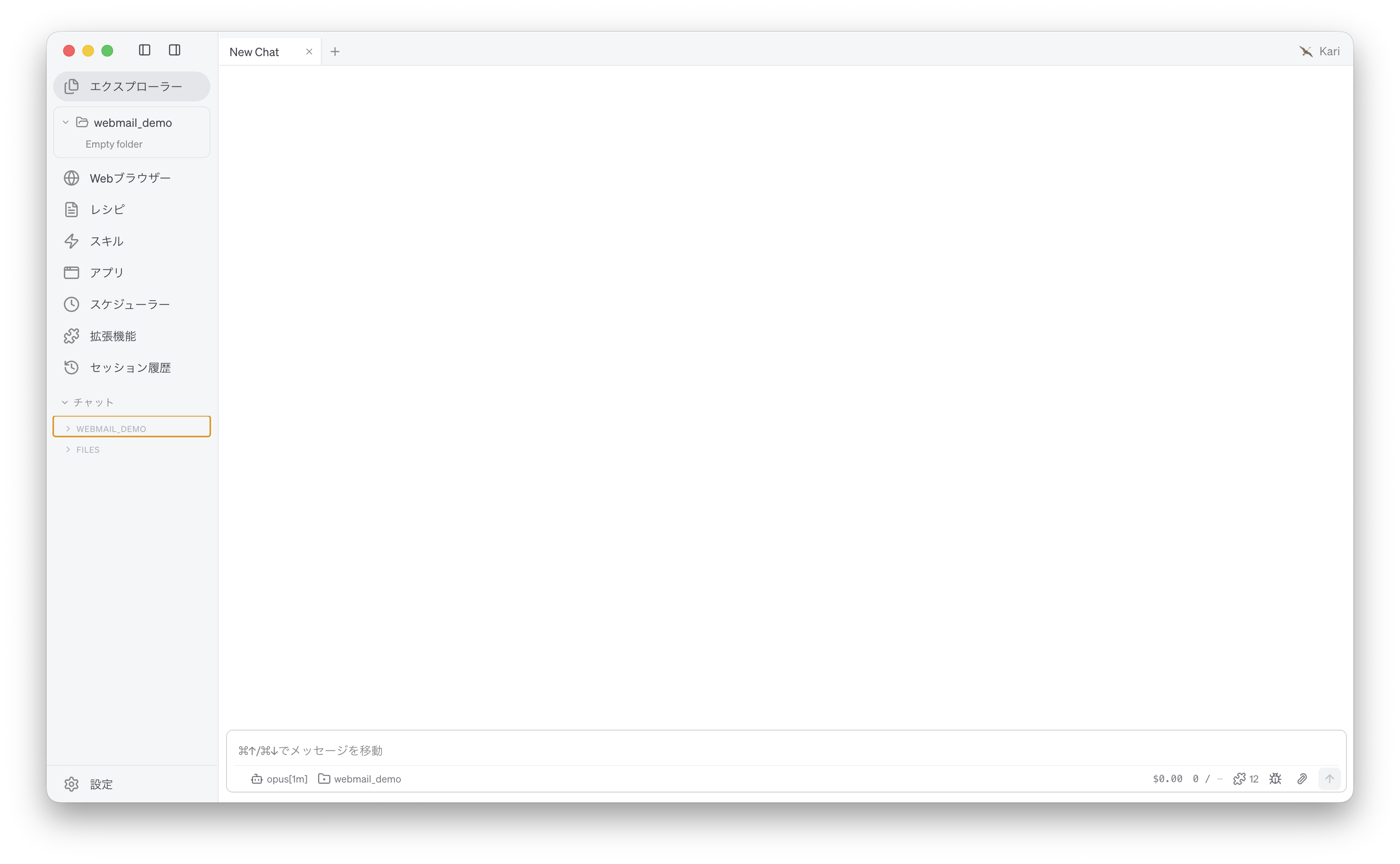
- Prepare an empty folder,
webmail_demo, for the generated source code. In Kari's Explorer, navigate to that folder and open it. The AI treats the folder you have open as its working location.
Screenshot shown in the original Japanese.
Instruct the AI
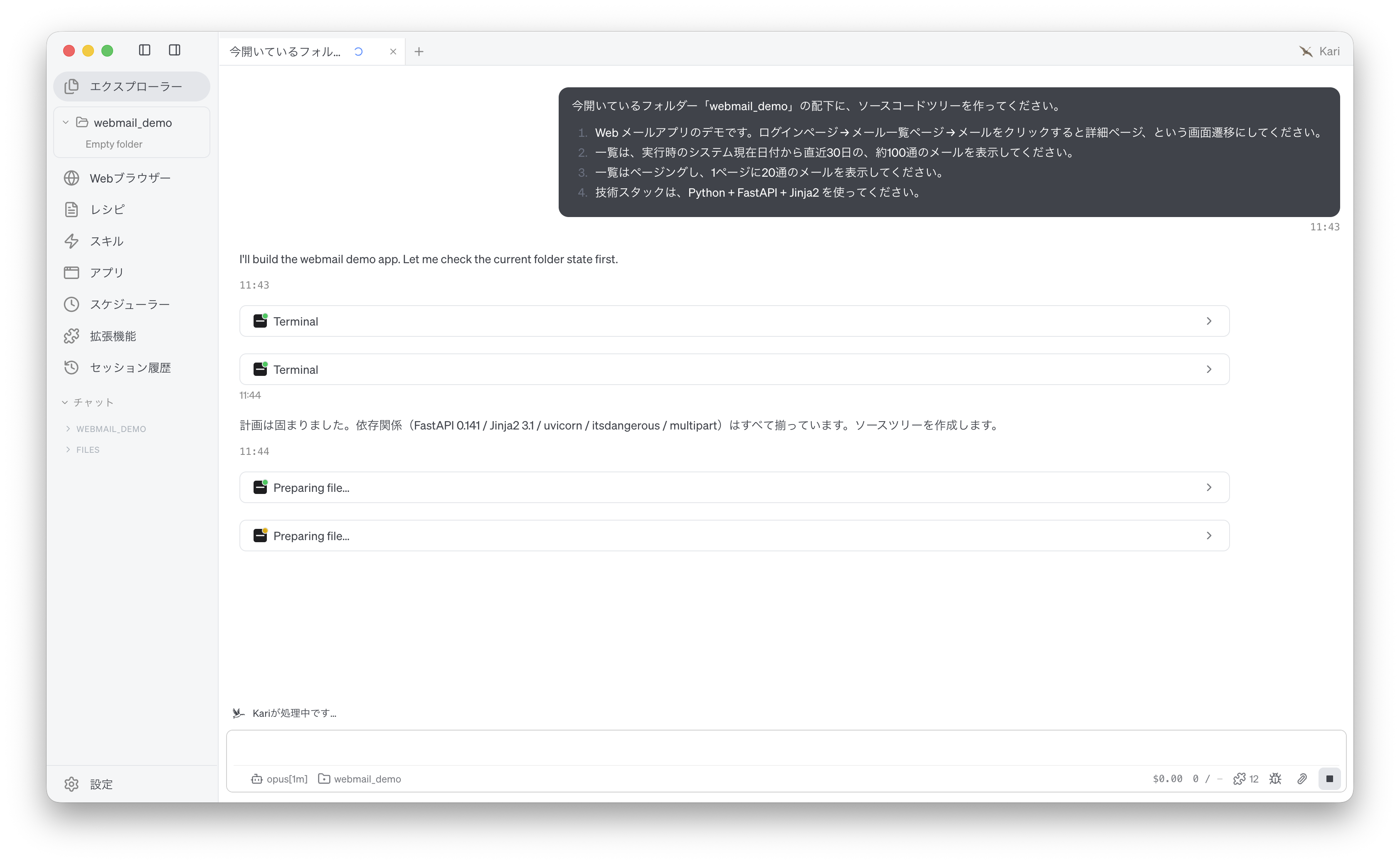
- Specify the screen flow, the number of items and the time window, the paging, and the technology stack. Instruct the AI as follows. The prompt below is an English rendering of the Japanese prompt shown in the screenshot.
Under the folder "webmail_demo" I have open, create a source code tree.

1. It is a demo web mail application. The screen flow is: login page → mail list page → click a mail to open the detail page.
2. The list shows about 100 mails from the last 30 days, counted from the system date at the time it runs.
3. The list is paged, with 20 mails per page.
4. Use Python + FastAPI + Jinja2 as the technology stack.
Screenshot shown in the original Japanese.
Check the AI's output
-
The AI installs the packages it needs into the Python environment bundled with Kari, writes the source code and the tests, then runs the tests and checks that the local server starts. Progress is shown in the session window.
-
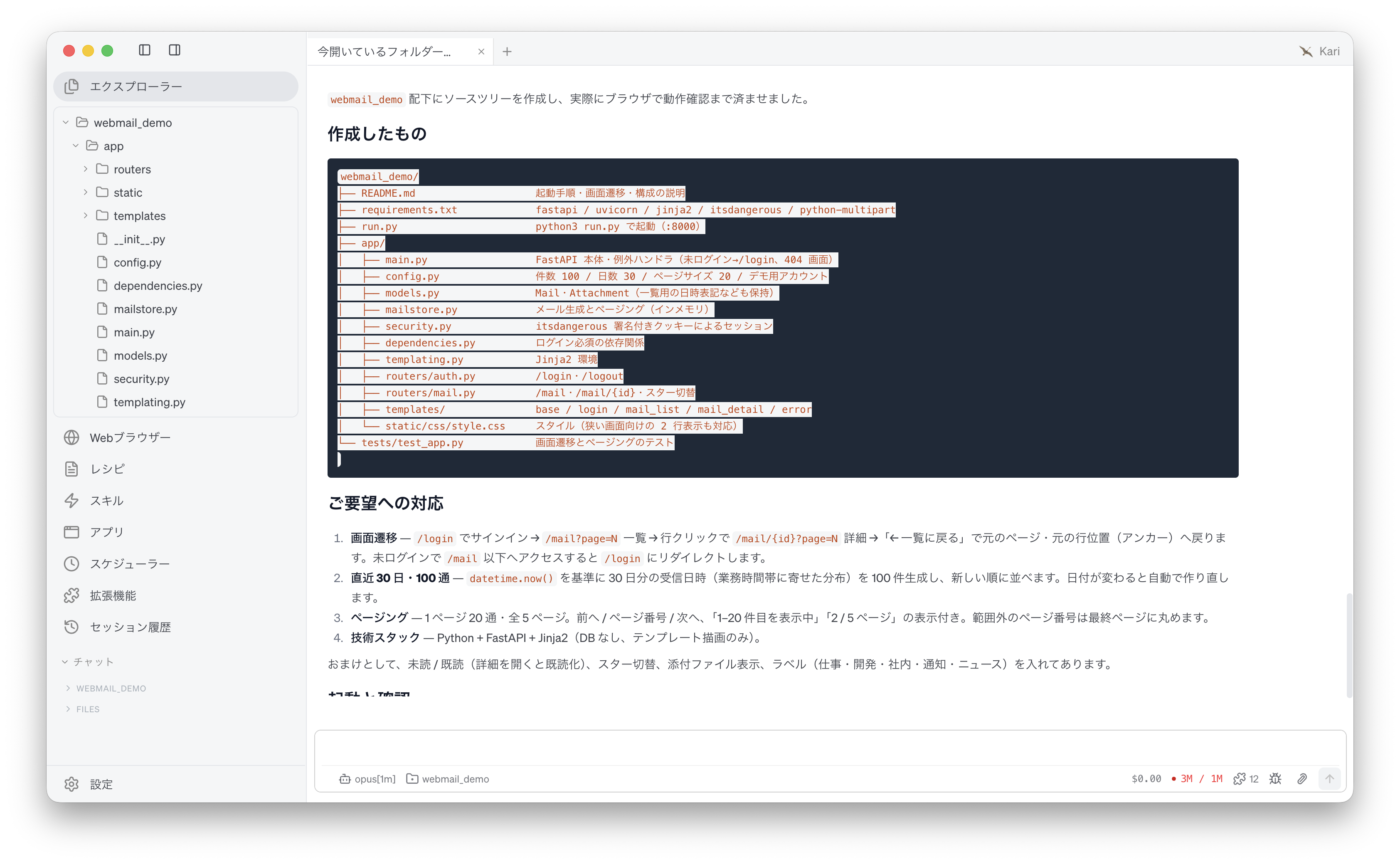
When the work is done, the structure of the files it created appears in the session window. Open the folder
webmail_demoin Kari's Explorer and confirm that the source code tree is really there.
Screenshot shown in the original Japanese.
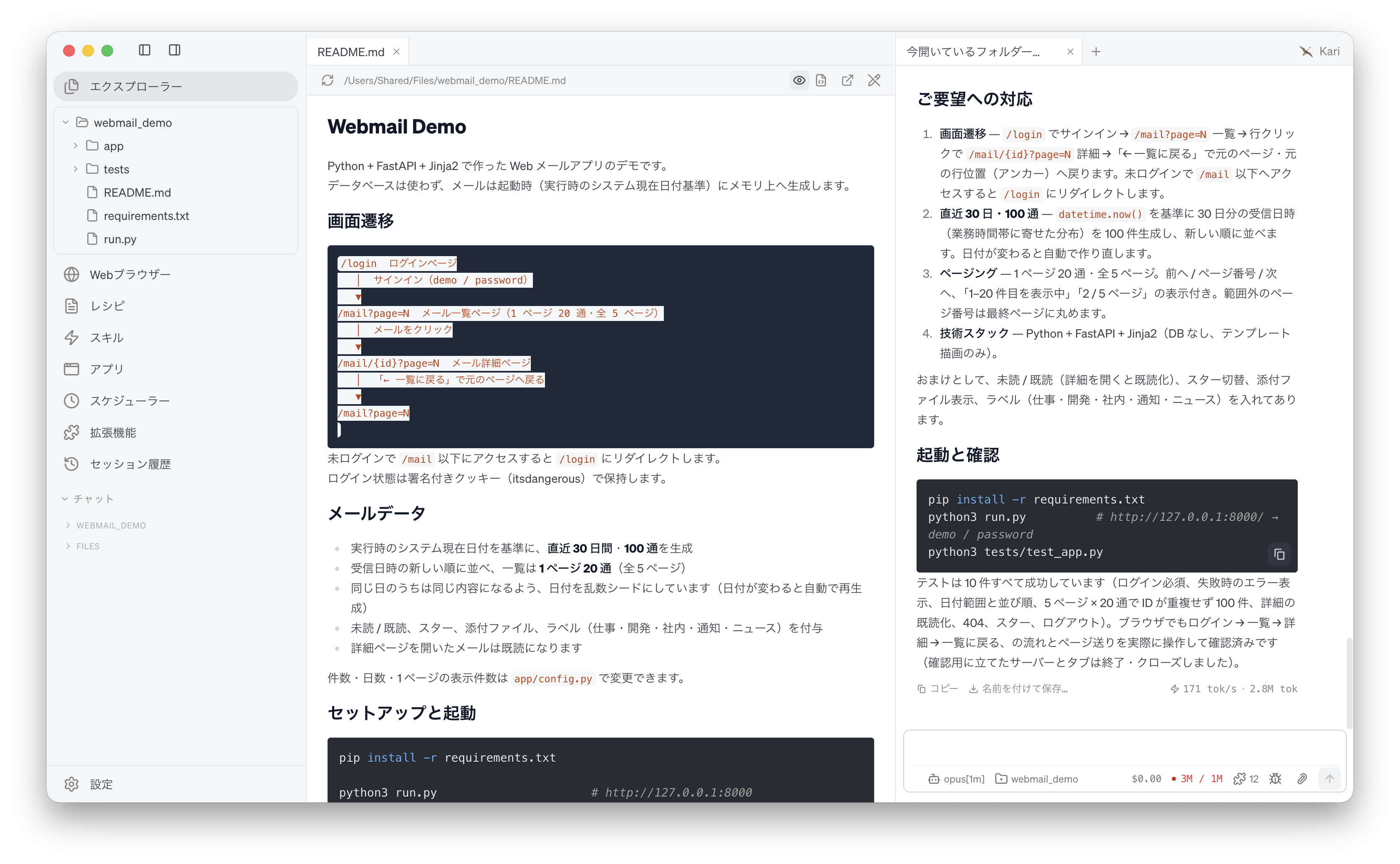
- Open
README.mdin the top of the folder and check the specification of the application, how to install the packages, how to start it, and the account to log in with.
Screenshot shown in the original Japanese.
- Start the application by following the steps in
README.md. In a terminal, move to the folderwebmail_demoand run the following (this uses the Python of your own environment).
python -m pip install -r requirements.txt
python run.py
- Open
http://127.0.0.1:8000/in a browser and log in with the account given inREADME.md.
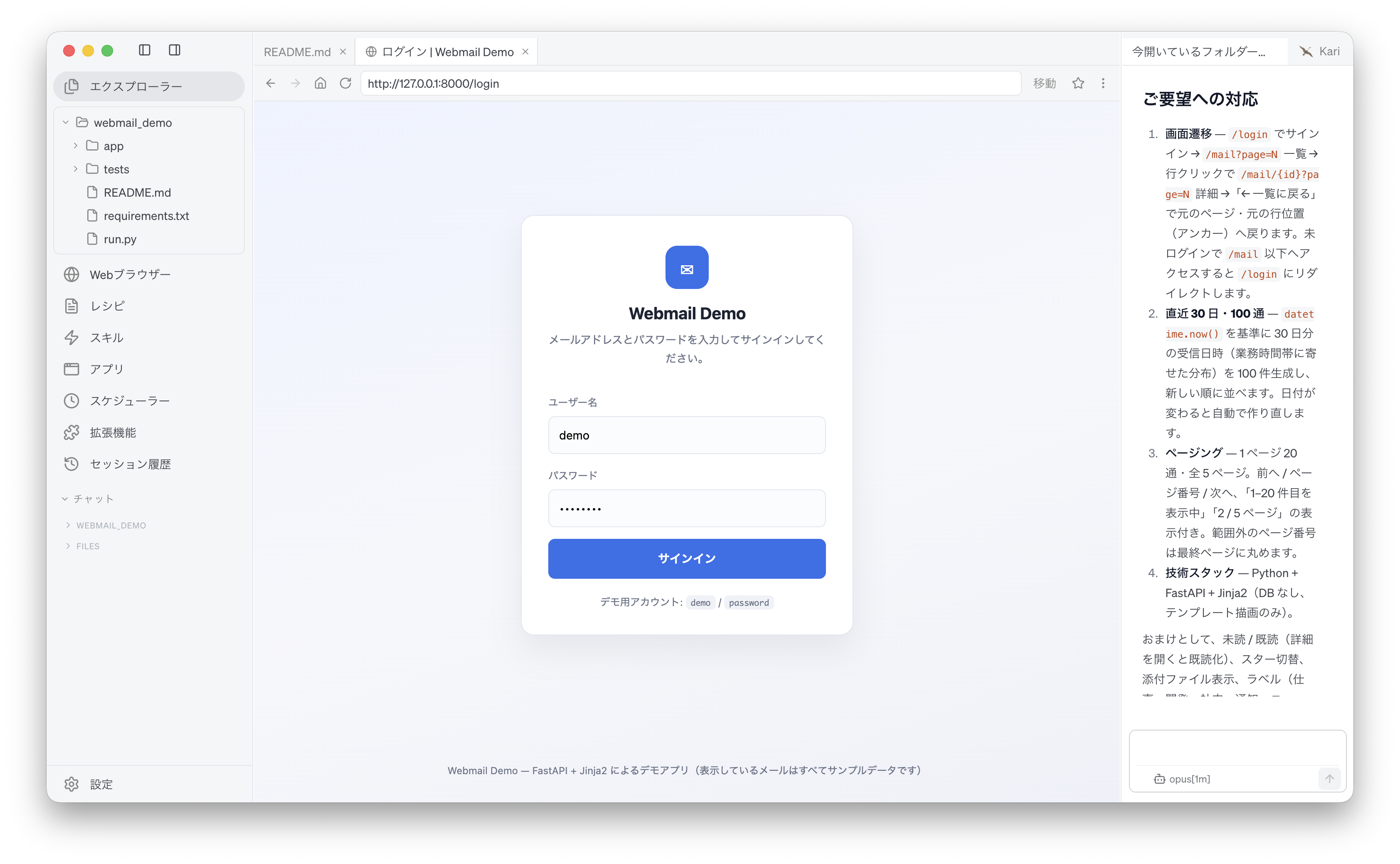
Screenshot shown in the original Japanese.
- On the mail list screen, confirm that mails from the last 30 days are shown 20 per page and that paging works.
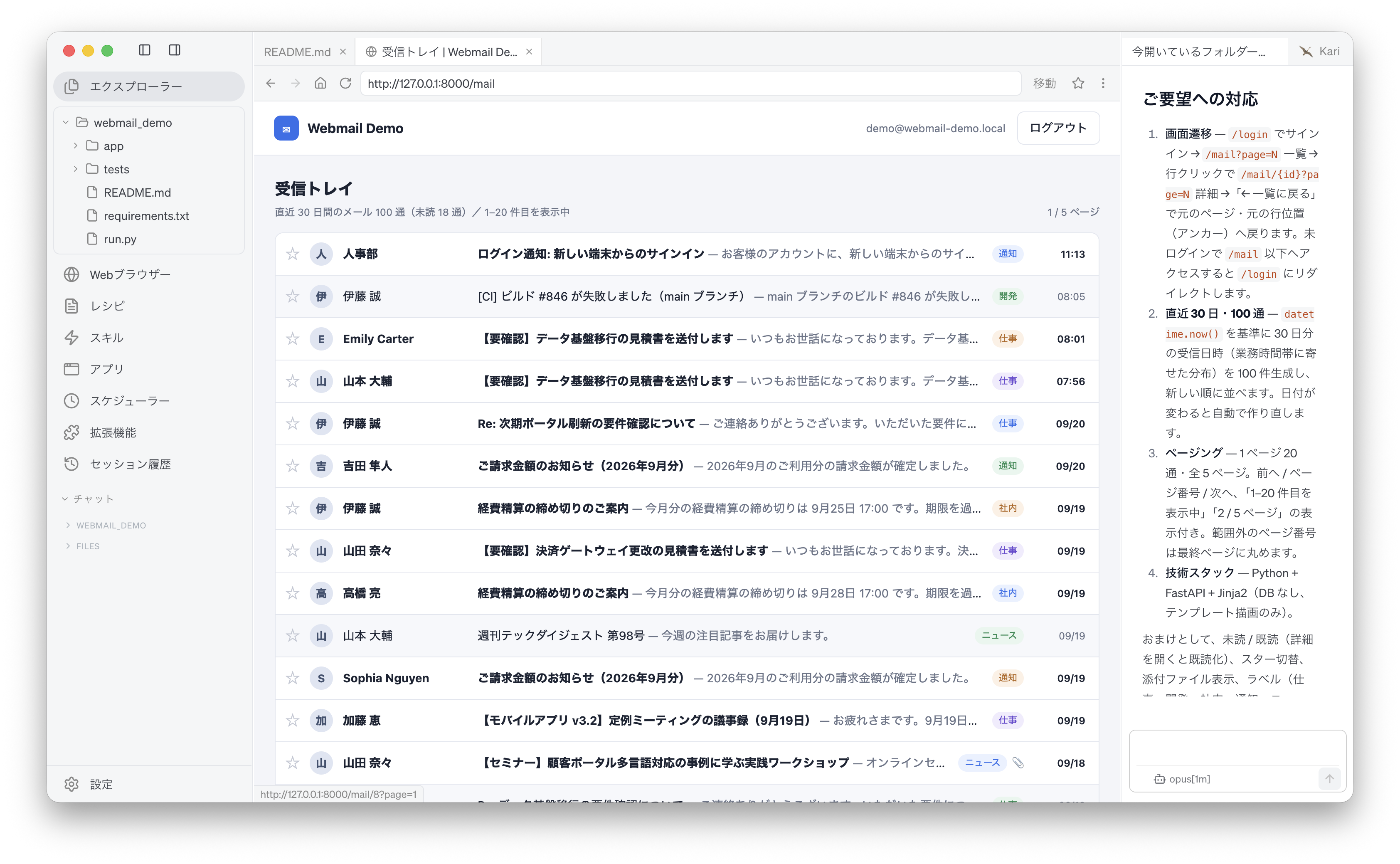
Screenshot shown in the original Japanese.
- Click a mail in the list and confirm that the detail screen appears.
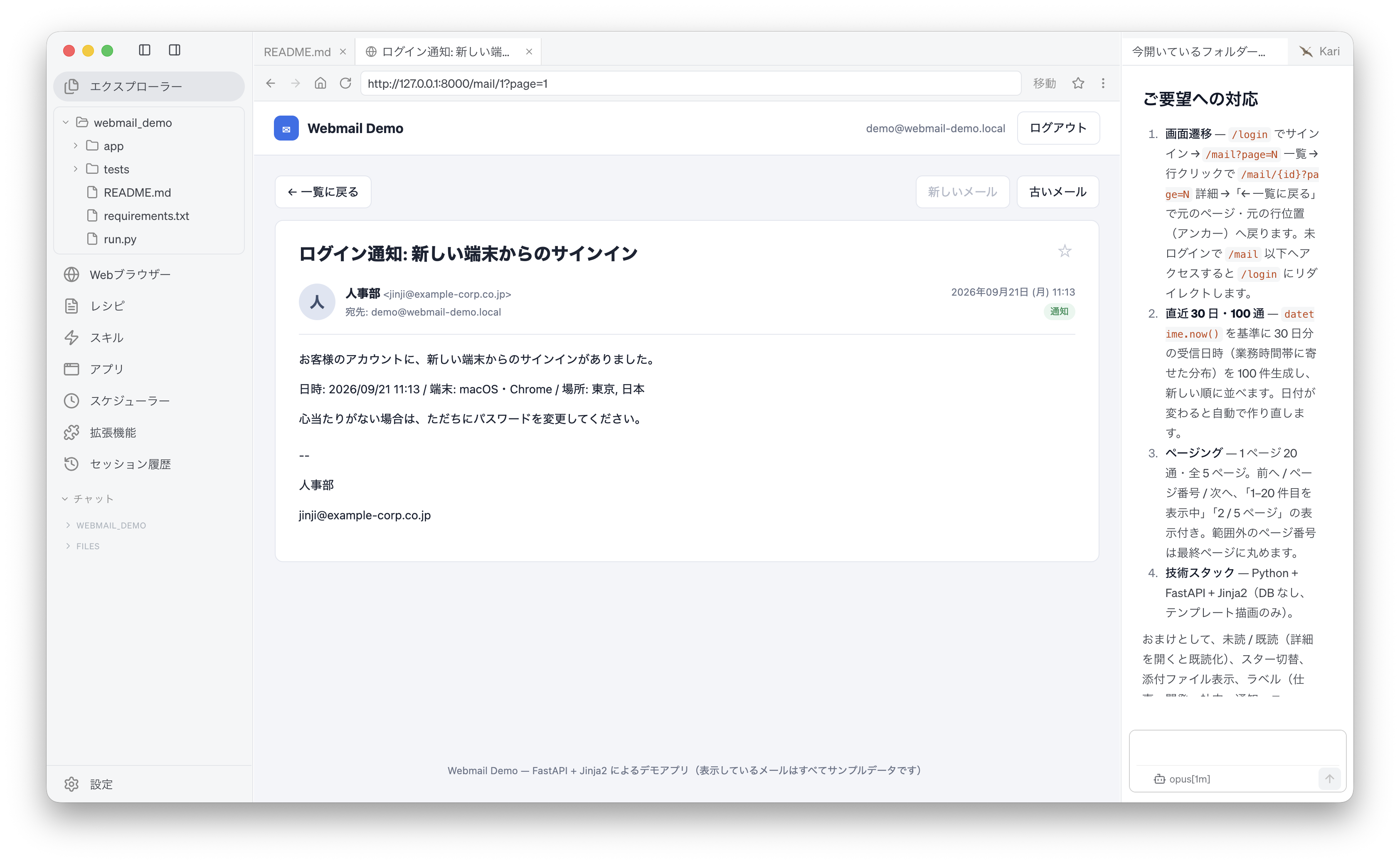
Screenshot shown in the original Japanese.
- The source code the AI generates differs with the LLM used and from one run to the next, in its file structure, its implementation and the look of its screens. You will not necessarily get the same result as the screenshots on this page.
- The example on this page is a demo application. The login account and the session secret are written directly in the source code, so it is not built to be published or used in your work as it is.
- When you instruct the AI, state your conditions concretely and in a form you can check, as with the screen flow, the number of items and time window, and the technology stack above. The vaguer the conditions, the more likely the implementation is to differ from what you intended.
- Do not judge the generated code by the results of the tests the AI ran alone; start it yourself and confirm that it works.
- The AI output shown on this site was actually obtained in the stated verification environment. However, this site does not guarantee the accuracy or usefulness of that output. AI output varies with the LLM used, its settings, and from one run to the next.
- Before using source code generated by AI in your work, always check its behaviour, quality and security, and make your own judgement, at your own responsibility.
- Screenshots were taken with the version of Kari current at the time of writing. The display may differ in your version.