Checking the settings and starting the desk
Copyright © 2026GotoAI Inc.Based on the goose project
What is left to set is the AI provider. Choose one, look over what the desk contains, and then start it.
Choose the AI provider
Open AI Providers in the settings window. Straight after an import it reads "not set". Click Change AI Provider and Model and pick a provider and model. Only providers already configured in Kari can be chosen.
For the screens, see Choosing the AI provider in Example 1: Subsidy diagnosis desk.
Click Save when you have chosen. Kari's own setting does not change: a desk holds its own.
Personal Claude and ChatGPT subscriptions do not appear in the list. A desk keeps processing requests with nobody attending it, so only providers that use an API key can be used.
On a single request this desk reads several annual securities reports and makes something like 15 to 30 tool calls. The documents are long, so choose a model with room in its context length. Raising the thinking level improves the diagnosis, and also the time and the cost.
Look over the contents
Before starting, look at what the import brought in.
The skills
Open Skills and two of them are enabled.
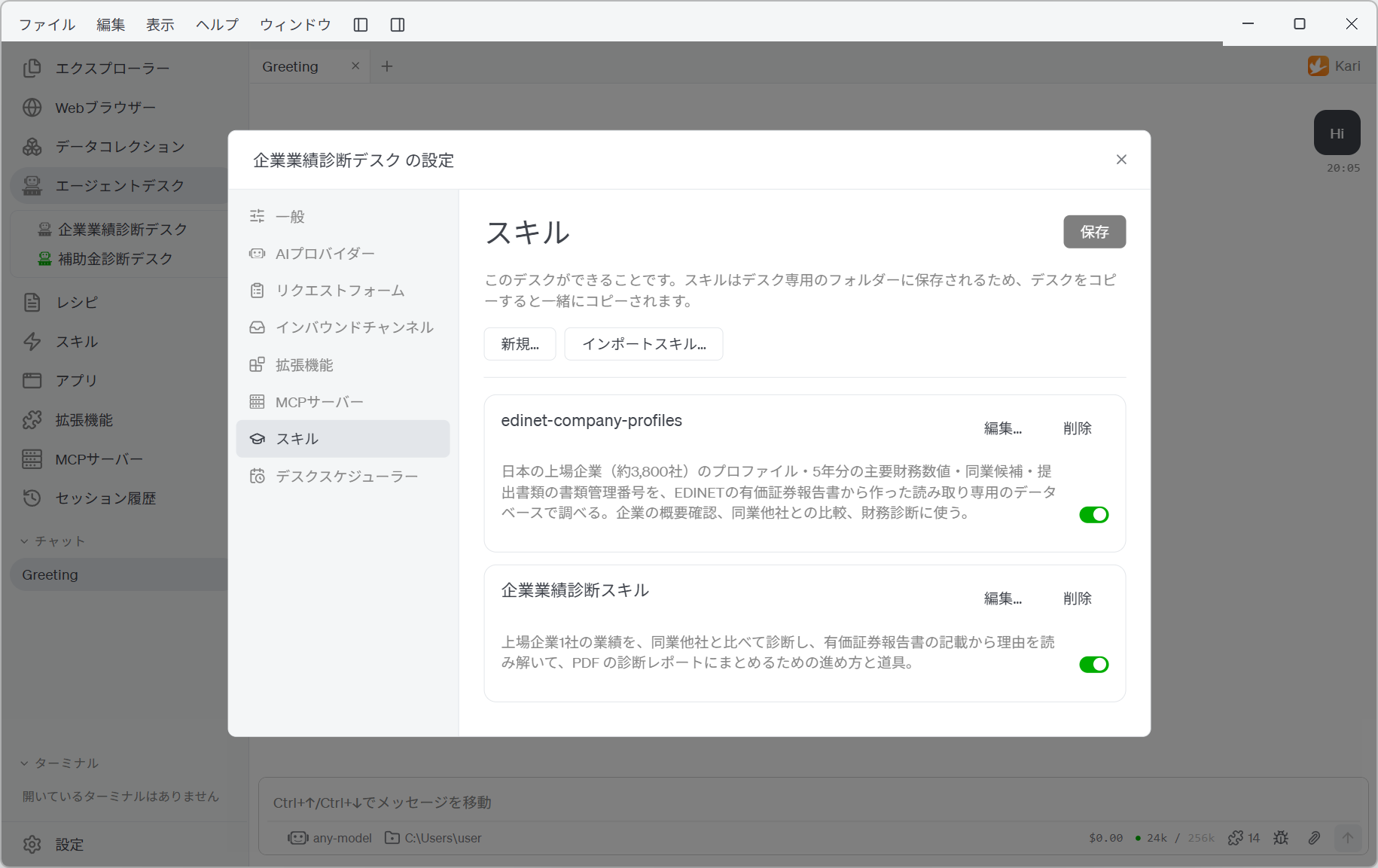
| Skill | What it is for |
|---|---|
| edinet-company-profiles | A read-only database and query script holding roughly 3,800 listed companies: their profiles, five years of headline financial figures, peer candidates, and the document IDs of their filings |
| 企業業績診断スキル | How the diagnosis is done — settling the target and its peers, comparing the metrics, reading the reasons out of the annual securities reports, and the structure of the report — together with build_report.py, which turns Markdown into a PDF |
Both are kept in a folder belonging to the desk, so they are used by this desk alone.
Request Form, Extensions and General
| Topic | What was imported |
|---|---|
| Request Form | 「エージェントデスクデモ: 企業業績診断依頼フォーム」. The company to analyse (required), peers 1 to 5, recipient email address (required, with Code Verification) |
| Inbound Channels | Web Intake Portal, port 8002 |
| Extensions | Python and Web Fetch are on |
| General (Parallel Jobs) | 1 — one request at a time, in order |
| General (How deliverables are sent) | The download portal (port 18002) with email attachments on. Files are kept for 48 hours |
| General (Monitor Console) | Port 28002 |
Under General, the Desk Overall Instructions hold this desk's job description: use the figures from the database rather than recalculating them; read the reasons for a difference out of the annual securities reports and cite where they came from; make no investment recommendation; always state the source and the as-of date. They are read on every request.
Start it
Close the settings window, right-click 「企業業績診断デスク」 and choose Start.
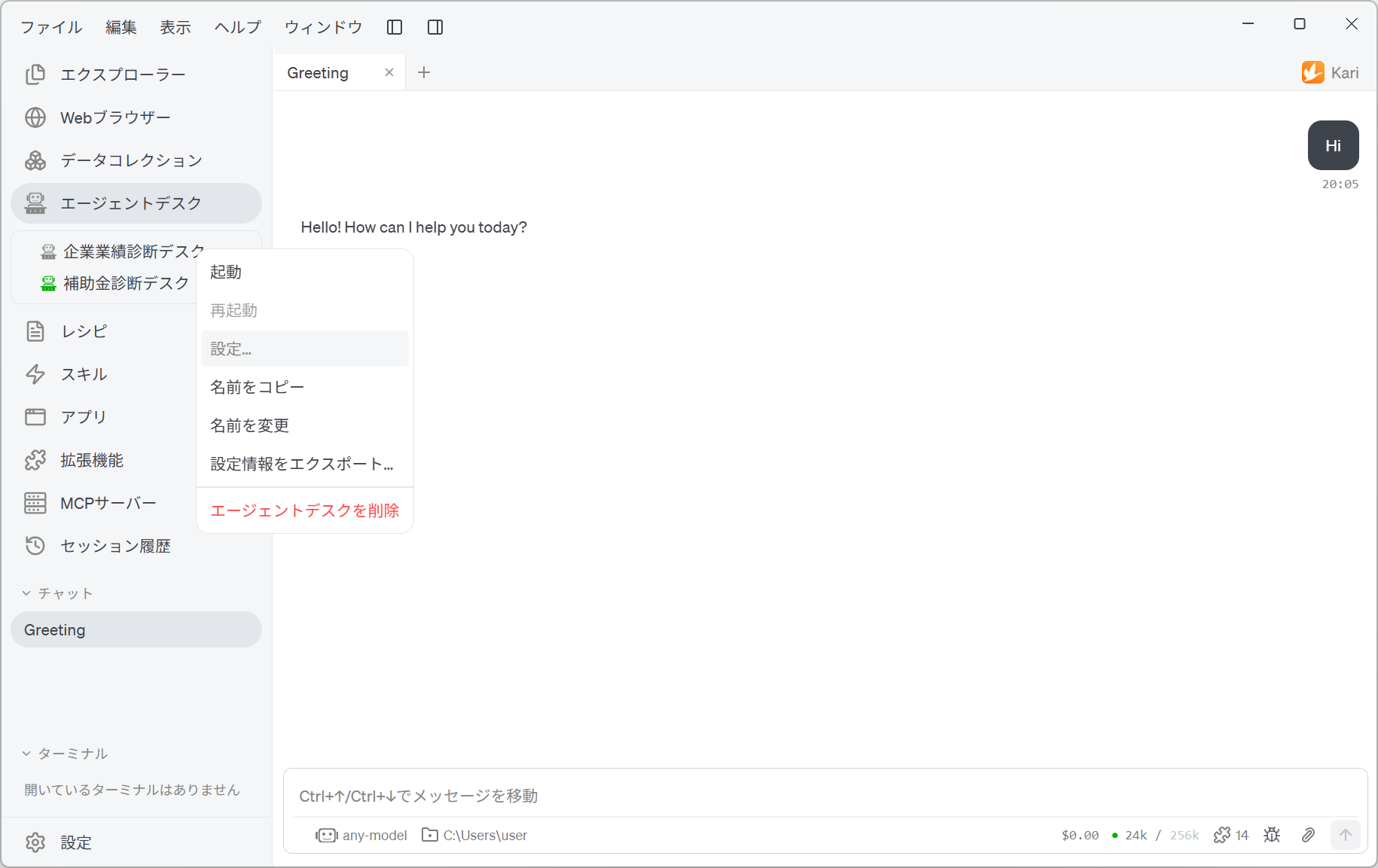
Once it starts, the icon to the left of the desk name turns green.
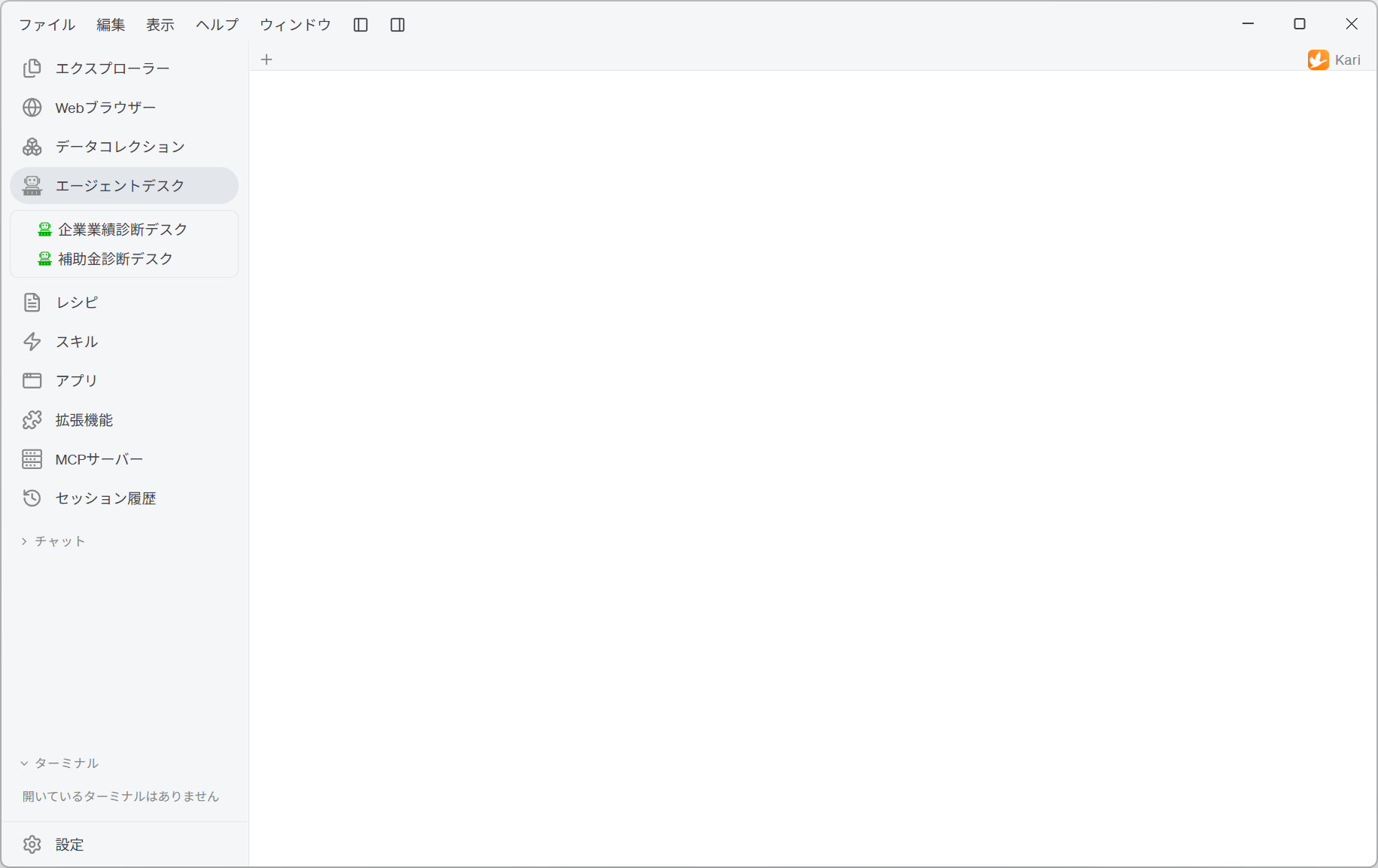
Three web pages now begin to answer.
| Page | Address |
|---|---|
| Web Intake Portal (for requesters) | http://localhost:8002 |
| Deliverable Download Portal | http://localhost:18002 |
| Monitor Console (for administrators) | http://localhost:28002 |
A desk with settings missing does not start, and lists everything that is missing. Three are common:
- Set the administrator's receiving email address under General → Setting up email
- Set the sending email account under General → Setting up email
- The AI provider and model are not set → the top of this page
Note that whether an MCP server exists is not checked at startup. A desk will start with the EDINET Util step skipped, but its requests will fail. Finish Setting up the MCP server before starting.
While a desk is running its settings can be read but not changed. To change them, right-click and choose Stop. After changing them, Restart applies them.
Next, go on to Submitting a request.